Copying an Expense
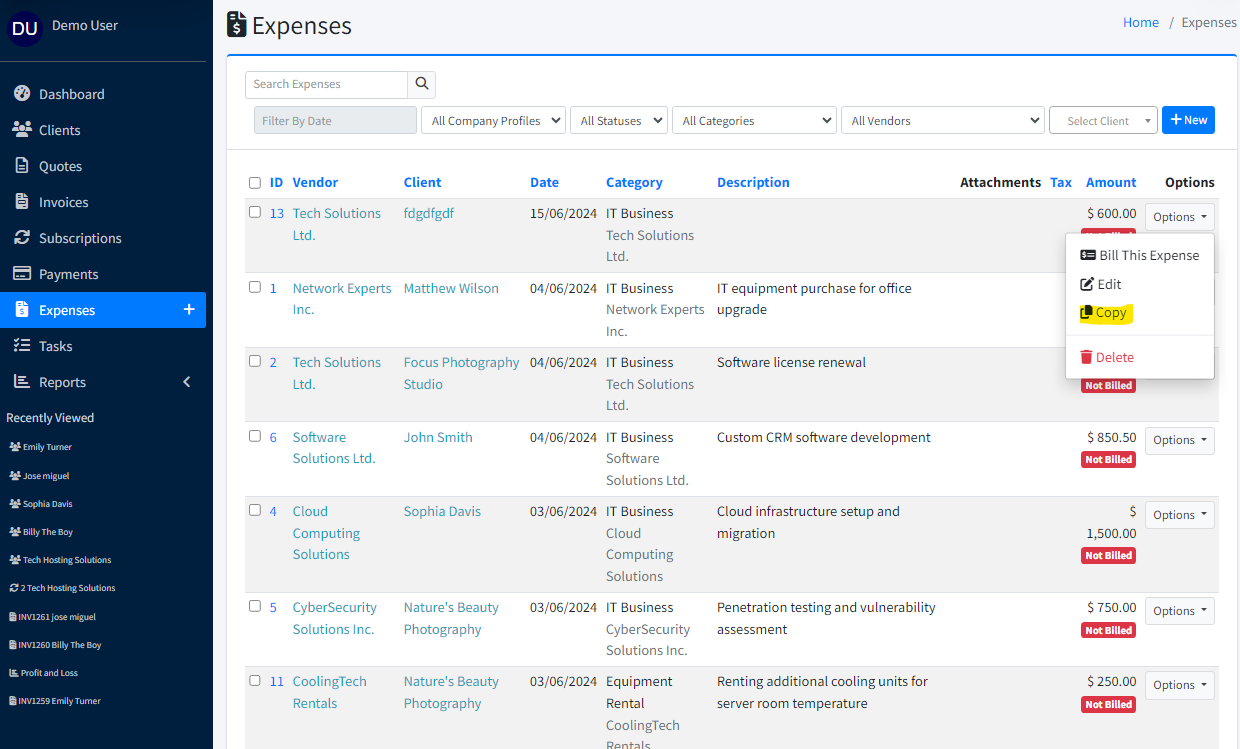
From the expense list, open the row Options menu and choose Make a Copy. When editing an expense, use the Other menu (top right) and choose Make a Copy.
A new expense opens with the same details so you can change amounts, dates, or descriptions before saving.