
Payments Collected
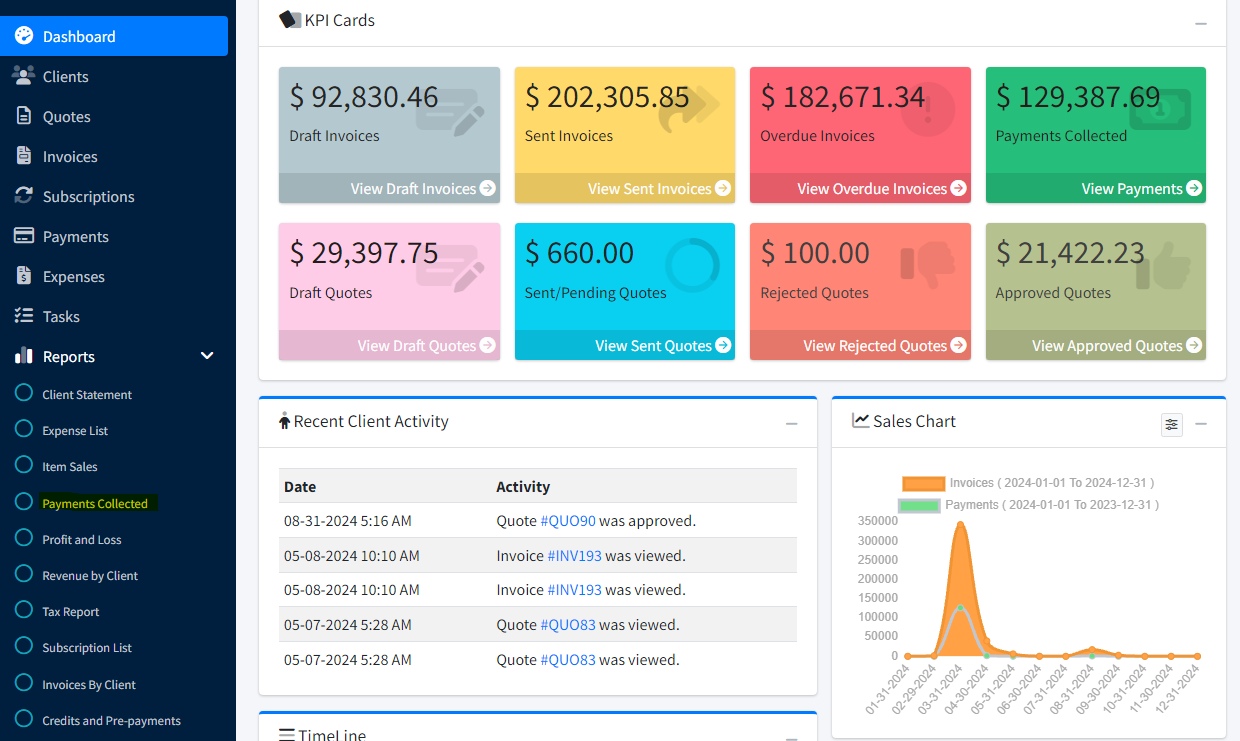
Open Reports in the left sidebar, then choose Payments Collected.
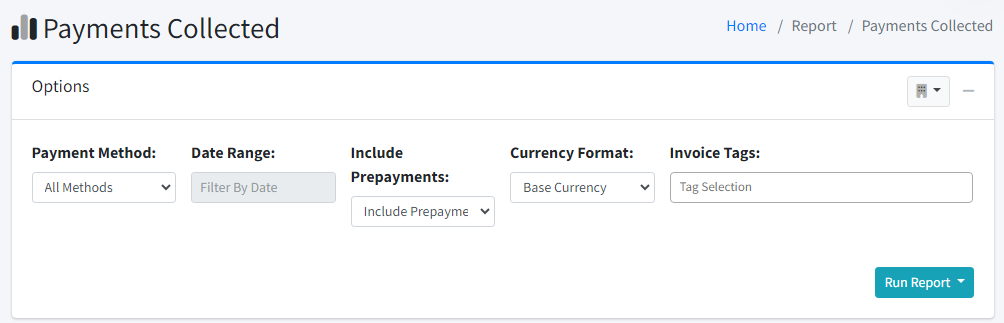
The Payments Collected report shows payments received in the date range you choose. Under the Options card you can set:
You can choose:
- Payment Method (or All Methods)
- Date Range
- Include Prepayments
- Include Other Income
- Invoice Tags
- Level of Detail (Detail or Summary)
- Pending Payments (Include, Exclude, or Only pending)
- Which Company Profile to run under (when you use more than one company profile, use the selector in the header of the Options card)
Click Run Report, then choose one of the outputs:
- Preview
- CSV